Popular Pink Gaming Mouse: A Practical Guide for Streamers and FPS Players
People joke that a pink gaming mouse is “just for the aesthetic.” They’re half right. It is for the aesthetic, but if you play Valorant or CS2, or you stream even semi‑seriously, you already know your mouse is basically an extension of your wrist and your ego. The shape, the weight, the color—especially the color—end up on camera, in thumbnails, in clips that live forever. So instead of pretending it’s just a cute accessory, let’s treat that pink mouse like what it really is: part aim trainer, part brand logo, part “hey, this is my setup, not a stock photo.”
Why a Pink Gaming Mouse Makes Sense for Streamers
Scroll through Twitch for five minutes and count how many black mice you see. Exactly. They all blur together. Then someone pops up with a bright pink mouse, matching mat, and a keyboard that looks like cotton candy, and your brain goes, “Oh. That one.” That’s the entire branding game in a nutshell.
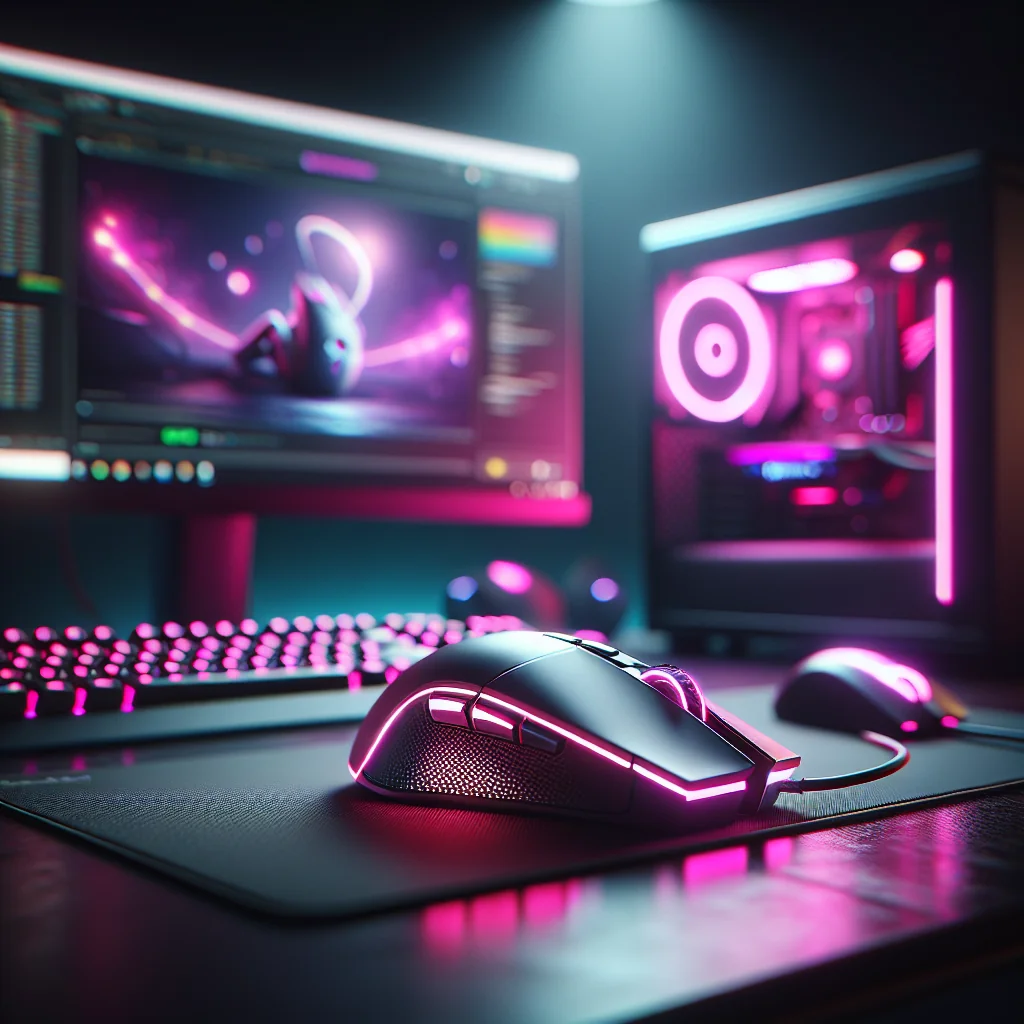
When you record aim practice, crosshair breakdowns, or those “here are my pro settings, stop asking” videos, your mouse hand is permanently in frame. A distinctive pink mouse becomes a recurring character on your channel. Pair it with matching keycaps, a coiled pink cable, maybe a desk mat that doesn’t look like it came free with a printer, and suddenly you’ve got a recognizable look instead of “generic FPS guy #47.”
And no, you don’t have to sacrifice performance for the color. Most of the decent pink mice are literally proven esports shells in different paint. Same sensor, same shape, different vibe. You’re not buying a toy; you’re buying a tournament mouse that just happens to look like it listens to K‑pop.
Quick Comparison: Key Areas to Align With Your Pink Mouse Setup
Here’s where people mess up: they buy a nice pink mouse, drop it on a random desk with mismatched lighting, a jet‑engine PC, and a crusty keyboard, then wonder why the whole thing feels off. The mouse doesn’t live in a vacuum. Sensitivity, keyboard feel, lighting, even how loud your PC fans are—it all changes how that mouse feels in your hand and how it looks on stream.
How Your Gear Choices Interact With a Pink Gaming Mouse
Use the table below as a “sanity check” while you tweak your setup. It’s not a sacred script, just a quick way to see what actually affects your pink mouse experience instead of randomly chasing upgrades.
Table: Components that influence your pink gaming mouse experience
| Component / Topic | Key Decision | How It Affects Your Pink Mouse Experience |
|---|---|---|
| Valorant crosshair & CS2 crosshairs | Size, color, and style | Good visibility lets you take advantage of your mouse control instead of losing your crosshair in the scenery. |
| CS2 pro settings | Sensitivity and DPI | Need to be adjusted to your mouse’s weight and your grip, not blindly copied from a spreadsheet. |
| Cherry MX Red vs Black | Lighter vs heavier linear feel | Impacts how aggressively you strafe and counter‑strafe while aiming, which changes how your mouse tracking feels. |
| Keyboard stabilizers | Noise and consistency | Less rattle means fewer distractions when you’re holding an angle and spamming movement keys. |
| RGB RAM choices | Lighting style and budget | Either frames your pink mouse with extra glow or keeps attention on the desk instead of inside the case. |
| Power supply rating | Efficiency and heat | Cooler, quieter power means less hand sweat and less background hum in your mic. |
| Desk lighting panels | Panel style and brightness | Control the mood of your stream and how dramatically that pink mouse pops against the background. |
| Fan curve setup | Thermal vs noise balance | Determines whether your mouse area feels like an oven and whether your chat hears fans or your voice. |
Don’t obsess over every box at once. When you’re planning upgrades, just glance back here and ask, “Does this change actually make my pink mouse feel better to use or easier to show on stream?” If the answer is no, maybe that upgrade can wait.
Simple Checklist to Align Your Setup With Your Pink Mouse
If you’re the kind of person who loves lists (or forgets what you changed five minutes ago), here’s a quick hit list to run through whenever you tweak your setup so your pink mouse stays the star of the show instead of getting lost in the chaos.
- Dial in in‑game sensitivity and DPI for your mouse’s weight and your actual grip, not what your favorite pro tweeted.
- Pick crosshair colors and sizes that you can see at a glance on your usual maps, even in cluttered areas.
- Choose switches and stabilizers that don’t fight you when you strafe, tap, or bunny‑hop like a gremlin.
- Keep system noise and heat under control so your mouse hand isn’t sweating and your mic isn’t hissing.
- Coordinate RGB and wall/desk lighting so your pink mouse is highlighted, not washed out or hidden in glare.
Run through this every so often. It keeps you focused on things that actually help—aim, comfort, and a setup that looks intentional—rather than endlessly chasing the next random setting someone posted on Reddit.
How Your Mouse Affects Valorant and CS2 Crosshairs
People love to argue about “perfect” crosshair codes like they’re magic spells. The truth is boring: a crosshair is only as good as the mouse that’s driving it. If the mouse doesn’t fit your hand or your sensitivity is scuffed, no crosshair preset is going to save your K/D.
With a lightweight pink mouse, tiny crosshairs suddenly make sense. Micro‑adjustments feel less like wrestling a brick and more like nudging a pencil. That’s why so many high‑level players run low sens and small, clean crosshairs—if their mouse setup supports it. Copying CS2 pro settings without considering your own mouse weight and grip is like borrowing someone else’s glasses and complaining the world is blurry.
In Valorant, a bright crosshair that doesn’t blend into the map plus a comfortable mouse means you can hold awkward angles longer without your wrist screaming. Less strain = more consistent crosshair placement from round one to overtime. That consistency, not some secret code, is what actually wins fights.
Popular Pink Mouse Shapes for FPS and Streaming
Here’s the unglamorous part: shape matters more than color. You can have the prettiest pink mouse on earth, but if it doesn’t fit your grip, it’ll live in a drawer by next month.
Claw and fingertip grip players who obsess over pixel‑perfect Valorant and CS2 crosshair placement usually gravitate toward smaller, lighter shells. They want something that reacts instantly to tiny finger movements. Palm grip players, on the other hand, tend to like slightly bigger pink mice that actually support their hand so they’re not hovering and cramping halfway through a session.
Before you hit “buy,” look up the weight, dimensions, and shape comparisons. Ask yourself, “Does this resemble a mouse I already know I like?” If it’s basically a pink version of a proven esports shell you’ve used before, that’s ideal: you get the performance your muscle memory expects with a color that doesn’t look like corporate IT issued it to you.
Dialing In Settings for a Popular Pink Gaming Mouse
Yes, you can start from CS2 pro settings. No, you should not copy them line‑for‑line and call it a day. Those numbers were tuned for their mouse, their pad, their desk, and usually years of habit. Not yours.
Start with DPI, in‑game sensitivity, and mousepad size. Get those three in the right ballpark first. Then adjust crosshair thickness and gap so that when you flick, the crosshair actually stops where your eye thinks it should. Same idea in Valorant: the crosshair should feel like a natural extension of where your mouse wants to land, not something you’re constantly fighting.
Treat any “pro” config as a template, not a religion. Keep the general feel (low sens, for example) but nudge things around for your hand size, desk space, and the exact pink mouse you’re using. Tiny changes—like dropping sens by 0.1 or shrinking the crosshair slightly—can suddenly make everything click.
Step‑by‑Step: Setting Up Your New Pink Gaming Mouse
If you just unboxed a new pink mouse and you’re itching to queue, slow down for ten minutes. That’s usually the difference between “this feels weird” and “oh, this actually slaps.”
- Set your mouse DPI somewhere reasonable (e.g., 800–1600) and turn off any built‑in acceleration or “smart” smoothing nonsense.
- Pick an in‑game sensitivity that lets you do a 180° turn with one comfortable arm swipe across most of your pad—no tiny wrist flicks, no hitting the edge constantly.
- Choose a crosshair color that doesn’t vanish into your favorite maps and adjust size until you can track it instantly without squinting.
- Experiment with grip and hand position: move the mouse up or down in your palm, adjust how far your fingers curl, and see what feels natural during tracking, not just in the menu.
- Run a few aim drills or deathmatches, then make very small sensitivity tweaks instead of jumping wildly between values.
This isn’t about chasing “perfect numbers.” It’s about building a stable baseline that matches your pink mouse, your pad, and your habits so you stop thinking about the hardware and just play.
Building a Matching Pink and RGB Setup Around Your Mouse
Once the mouse feels right, the fun part starts: making the whole desk look like you meant it. A lonely pink mouse on a dark, mismatched setup looks accidental. A pink mouse that matches your keyboard, mat, and background lighting looks like a brand.
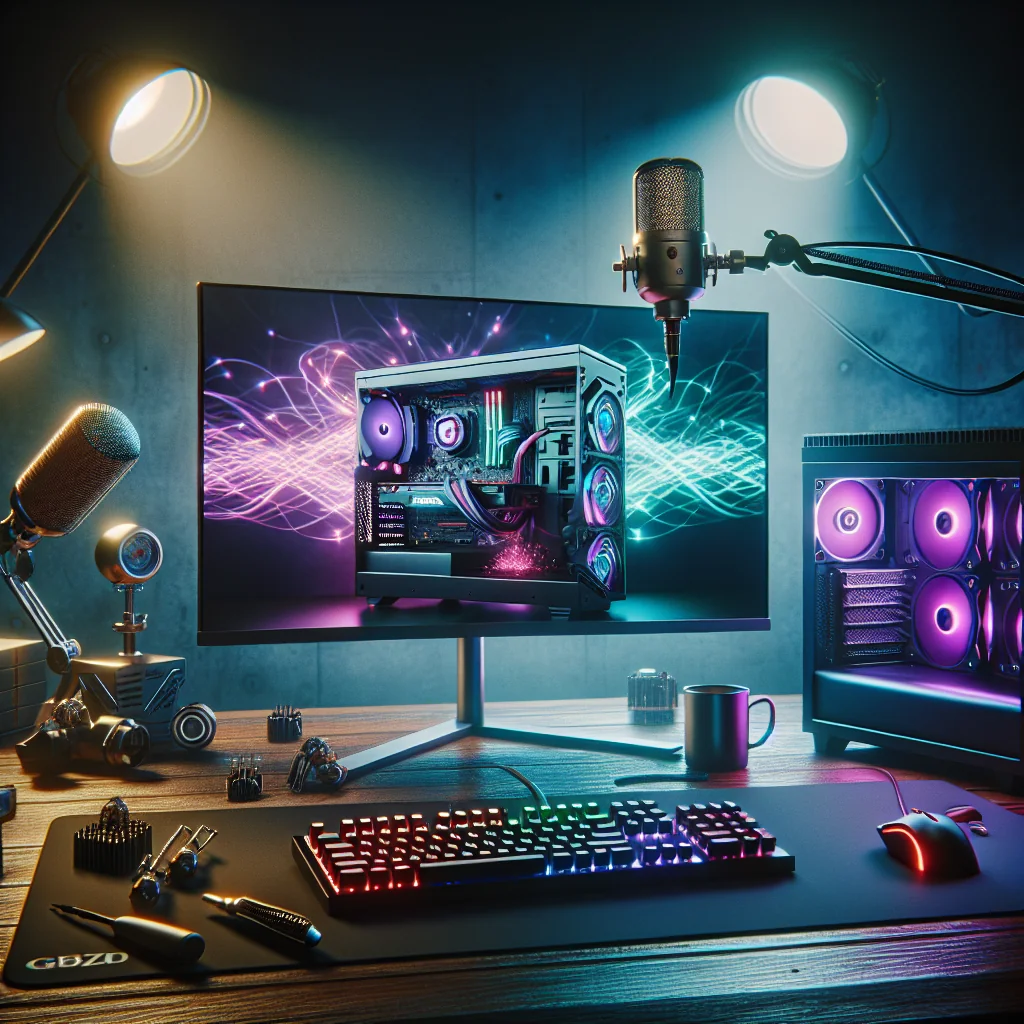
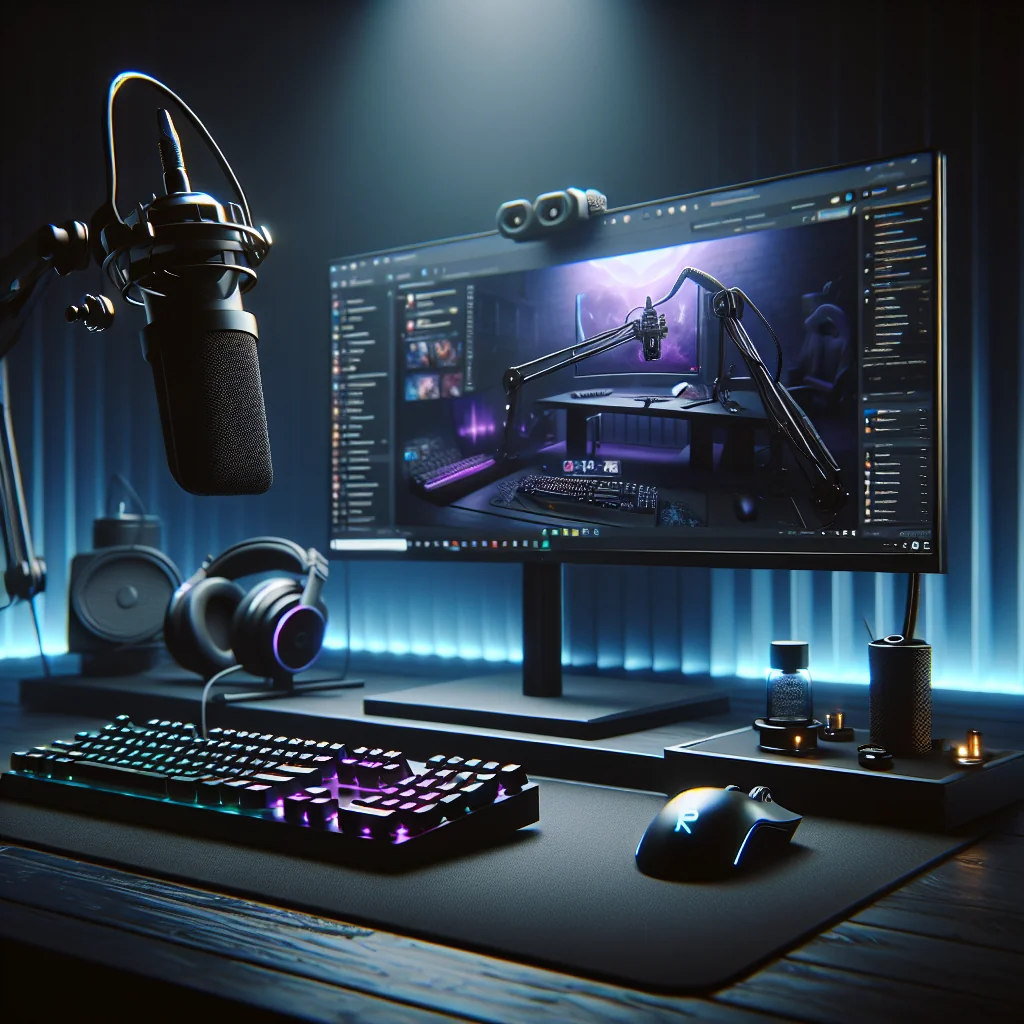
RGB panels or strips behind your monitor can give your camera a soft glow instead of the “I’m gaming in a cave” look. A mousepad that reflects light a bit, plus a pink cable or wireless dock, creates a visual line that naturally pulls the viewer’s eye toward your mouse hand during aim showcases.
Play with overhead and side lighting too. You want enough light that your hand and the mouse are clear, but not so much that the pink gets blown out into white on camera. If your mouse looks dull or neon‑nuked on stream, tweak brightness and color temperature until the shade of pink on screen matches what you see in real life.
Keyboard Gear to Match: Switches, Stabilizers, and Pink Themes
After the mouse, the keyboard is usually the next rabbit hole. You don’t have to go full custom, but it’s worth thinking about how it feels and sounds, not just how it looks in a flat lay.
For FPS, most people end up on linears. The classic Cherry MX Red vs Black debate is simple: Reds are light and easy to spam, Blacks fight back a little more and can reduce accidental key presses if you’re heavy‑handed. Either works fine next to a pink mouse; pick based on how often you find yourself fat‑fingering movement keys in clutch rounds.
Stabilizers are the unsung heroes. Good stabs mean your spacebar and shift don’t sound like a bag of cutlery every time you jump or crouch. In a tense Valorant or CS2 round, less rattle and more consistent feel makes it easier to stay locked in instead of getting annoyed by your own keyboard noises.
Memory, Power, and Cooling Around a Pink Mouse Setup
Your pink mouse can’t carry a laggy PC. The rest of the hardware doesn’t need to be insane, but it does need to be stable and not ruin your vibe.
RGB RAM is basically a fashion choice these days. Performance is similar across decent kits, so it comes down to: do you want glowing sticks that echo your pink/white theme through a glass side panel, or do you want the case to stay dark so the focus stays on the desk? Both are valid. Just don’t let clunky lighting software tank your frames mid‑stream.
Power supplies are less glamorous but matter more than people admit. A higher‑efficiency unit runs cooler and quieter, which means less heat drifting toward your mouse hand and fewer random coil whine noises sneaking into your mic. Boring purchase, noticeable quality‑of‑life upgrade.
Fan Curve Setup and Comfort During Long Sessions
Nothing ruins a cute pink mouse faster than a sweaty palm and a mic full of fan noise. If your PC sounds like it’s about to take off every time you queue ranked, it’s time to fix your fan curves.
Use a fan control tool to set custom curves so your GPU and CPU stay cool under load without instantly jumping to max RPM. The goal isn’t silence at all costs; it’s a sweet spot where your desk area doesn’t feel like a space heater and your mic mostly hears you, not your case.
Test this while actually playing your usual games, not just staring at a temperature graph. If your mouse area starts to feel warm or your VODs sound like you’re streaming from inside a vacuum cleaner, nudge the curve until temps and noise are both tolerable.
Bringing It All Together Around Your Popular Pink Gaming Mouse
In the end, the pink mouse is just the anchor point. Your Valorant and CS2 crosshairs, your sensitivity, your keyboard feel, your lighting—all of it orbits around that one little device sitting under your hand for hours at a time.
When your switches, stabilizers, RAM, power supply, lighting, and fan curves all quietly support that setup, the mouse stops being “just pink” and starts being something you trust. It feels the same every day, it looks good on camera, and it’s instantly recognizable to anyone who drops into your stream.
That’s the real win: not just having a popular pink gaming mouse, but building a setup where the style and the performance actually match the way you play.